# Dinars Invoice
Simple Application to manage and generate an invoice
# Project Requirements
- Only single user login system.
- Easy to install in the server.
- User can have multiple companies.
- Easy way to switch to a different company
- Entire application should be based on the selected company
- Dashboard
- Reports
- Very easy way to generate invoices.
- Invoice can be downloaded as well.
- Give the option to create an estimation/quote.
- Give the option to save the invoice as a draft.
- multiple payment records supported for each invoice.
# Technologies
| Frontend | Vue JS, HTML, SCSS, Blade Template |
| Backend | Php |
| Framework | laravel, MVC |
| Database | Mysql |
| Authentication | JWT |
| Pdf Generator | MPDF |
# Download
WARNING
Sorry, but this is a private repository
git clone https://github.com/nfraz007/dinars_invoice.git
cd dinars_invoice
# Installation
For installation, I have created a custom command which will do all the setup for the project.
# Normal
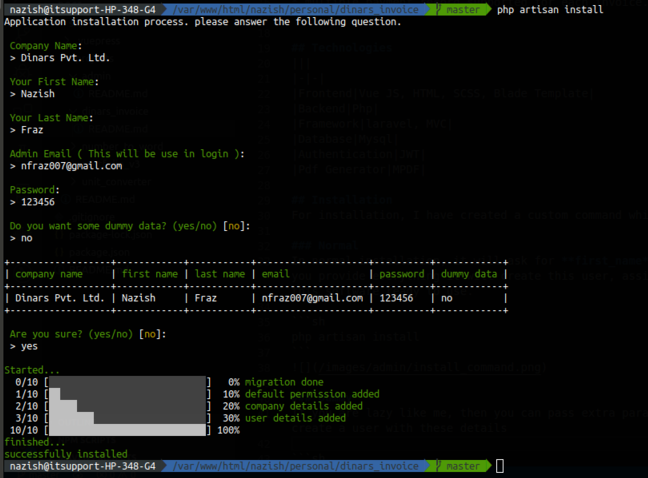
In normal installation, it will ask for company_name, first_name, last_name, email, password. if you provide everything it will create this user, assign all the permission to this user, and make this software ready to use.
php artisan install
# Dummy
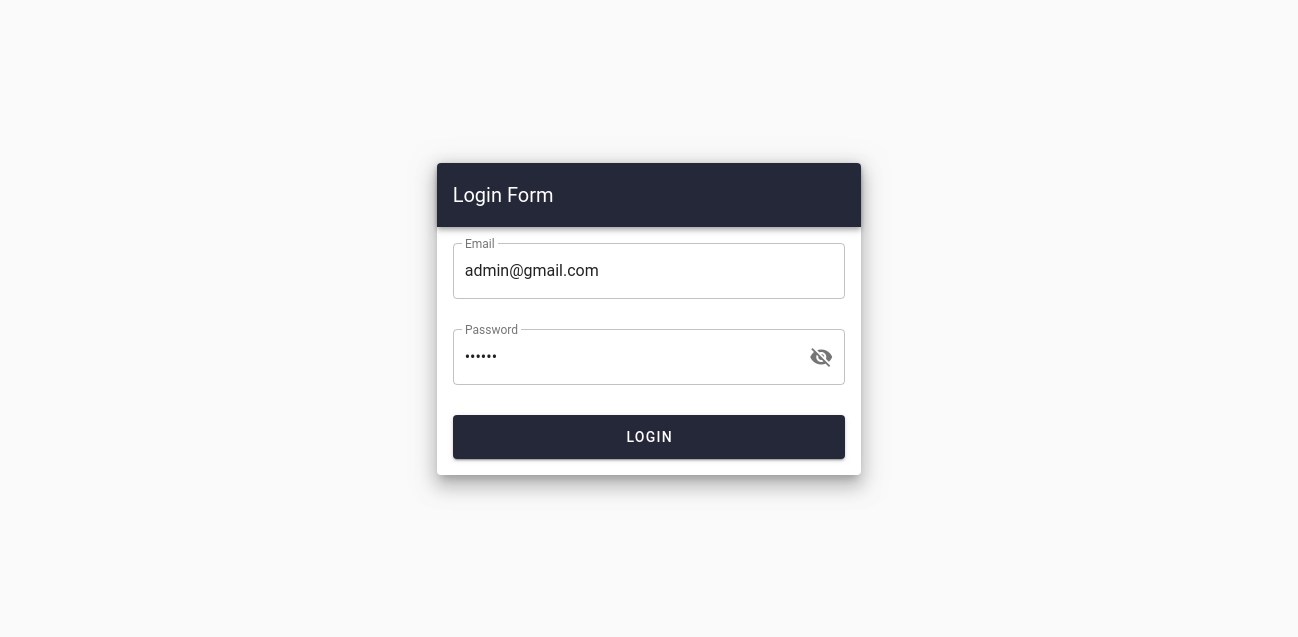
If you are lazy like me, then you can pass extra parameter --dummy. It will automatically create a user with these details
php artisan install --dummy
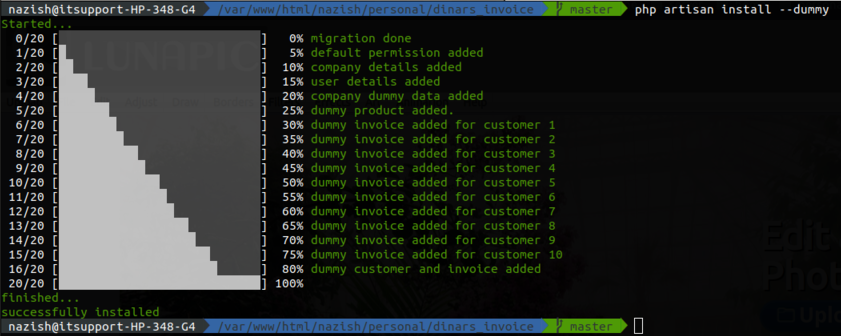
| Company Name | First Name | Last Name | Password | |
|---|---|---|---|---|
| Dummy Pvt. Ltd. | John | Doe | admin@gmail.com | 123456 |
# Features
- All the projects I have implemented.
- Very nice dashboard.
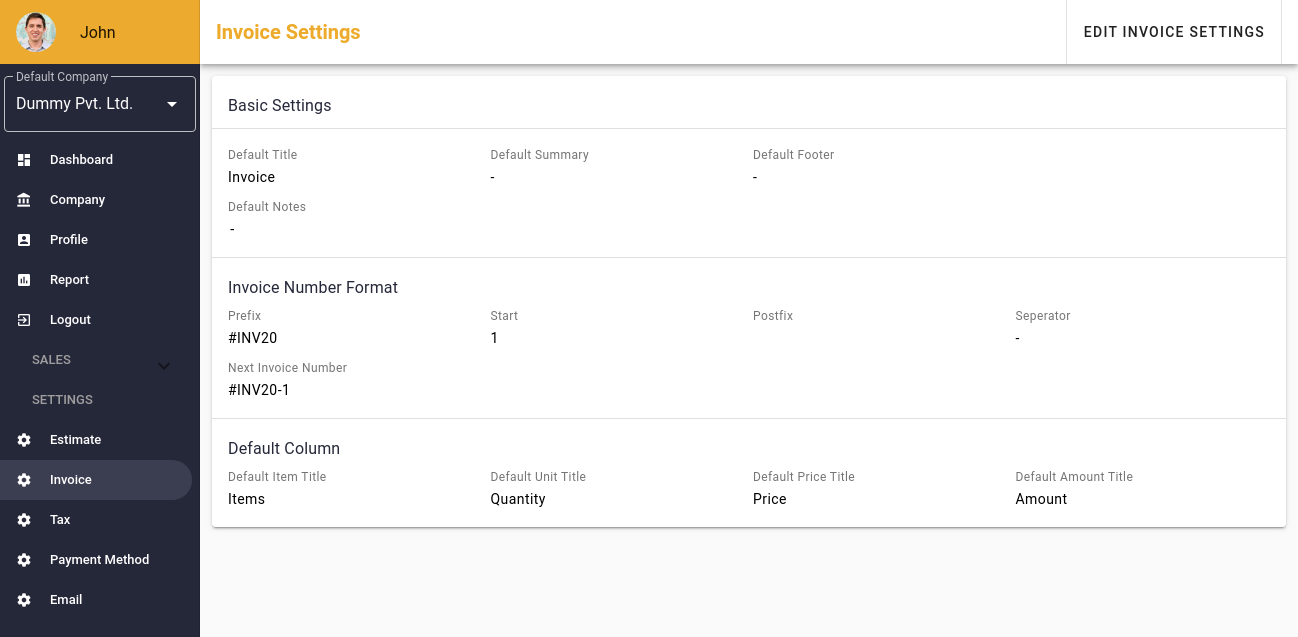
- Lots of options to customize the invoice.
- Page to create product/service.
- Option to add set for email.
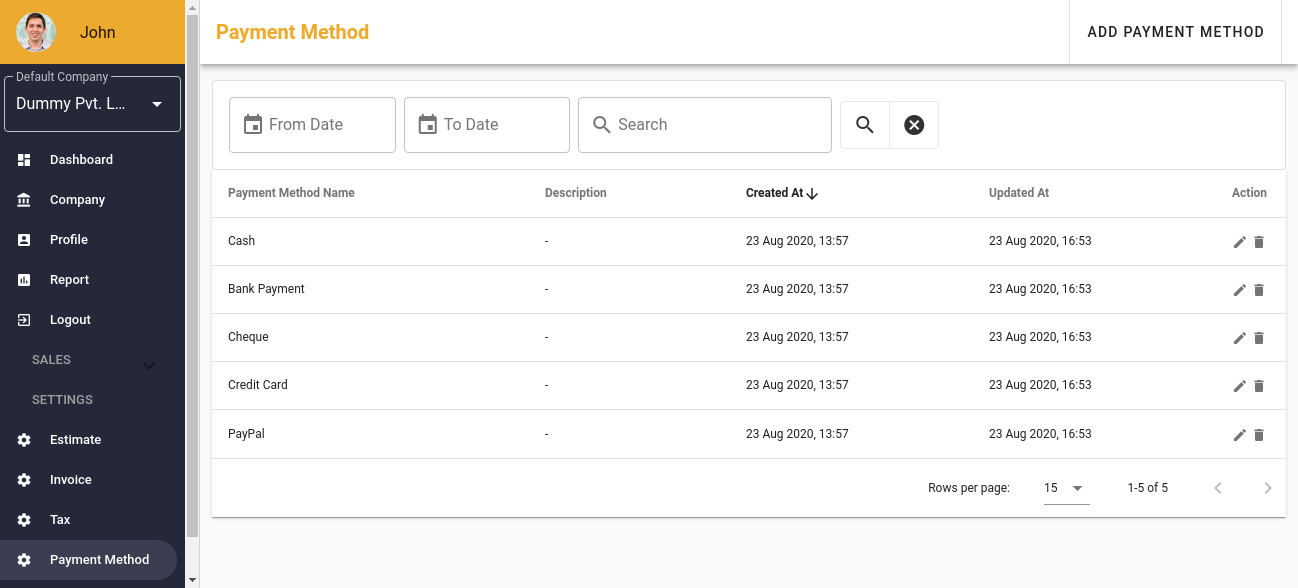
- Option to add your custom payment method.
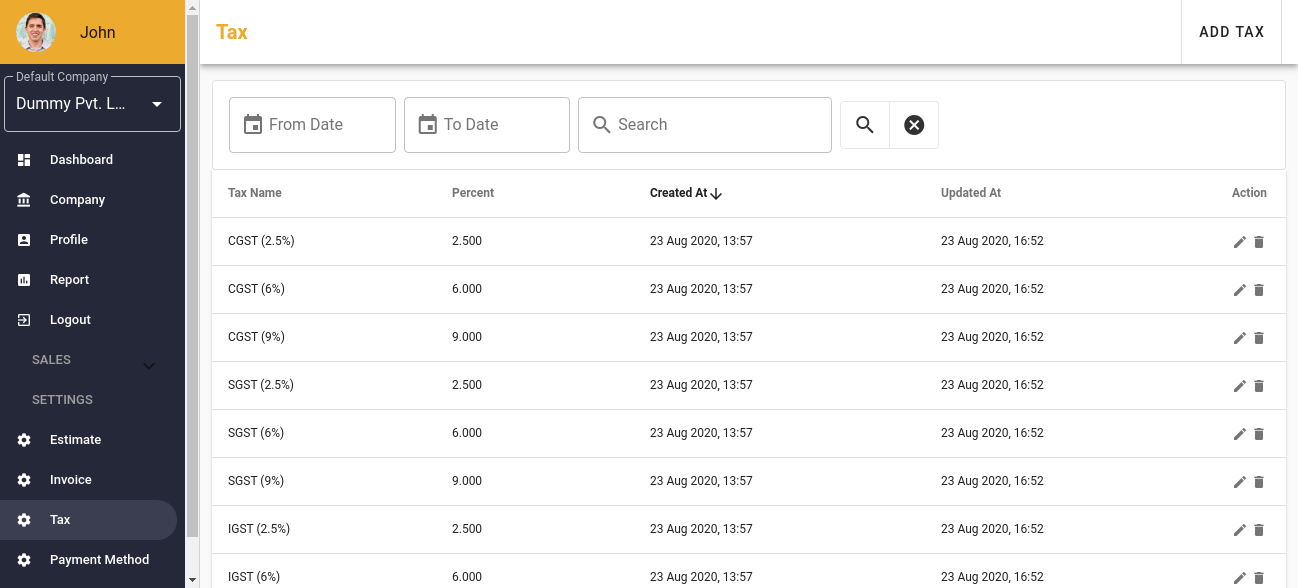
- Option to add tax.
- Tax can be applied to the individual products as well as in the total amount.
- Multiple taxes can be applied to the product and total amount.
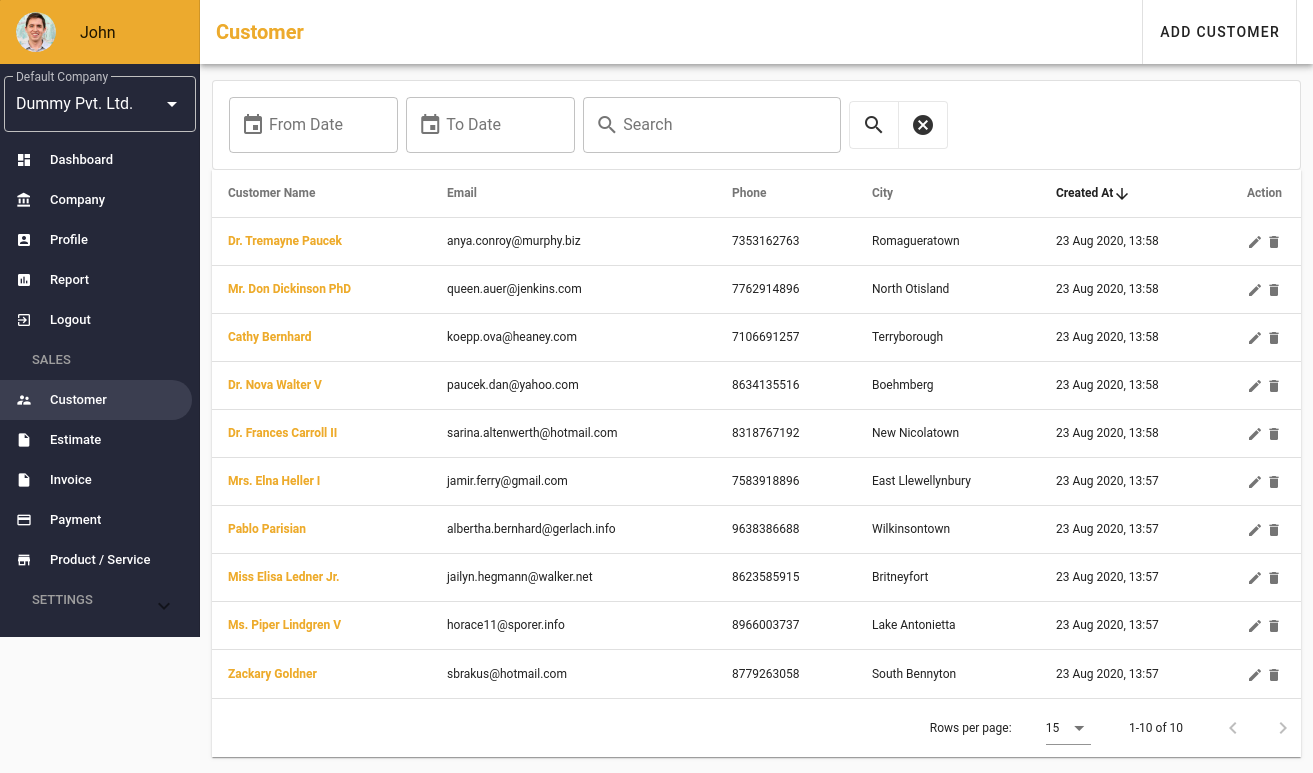
- Page to manage customer.
- All the payment history can be visible on the invoice detail page.
- Generate payment summary report.
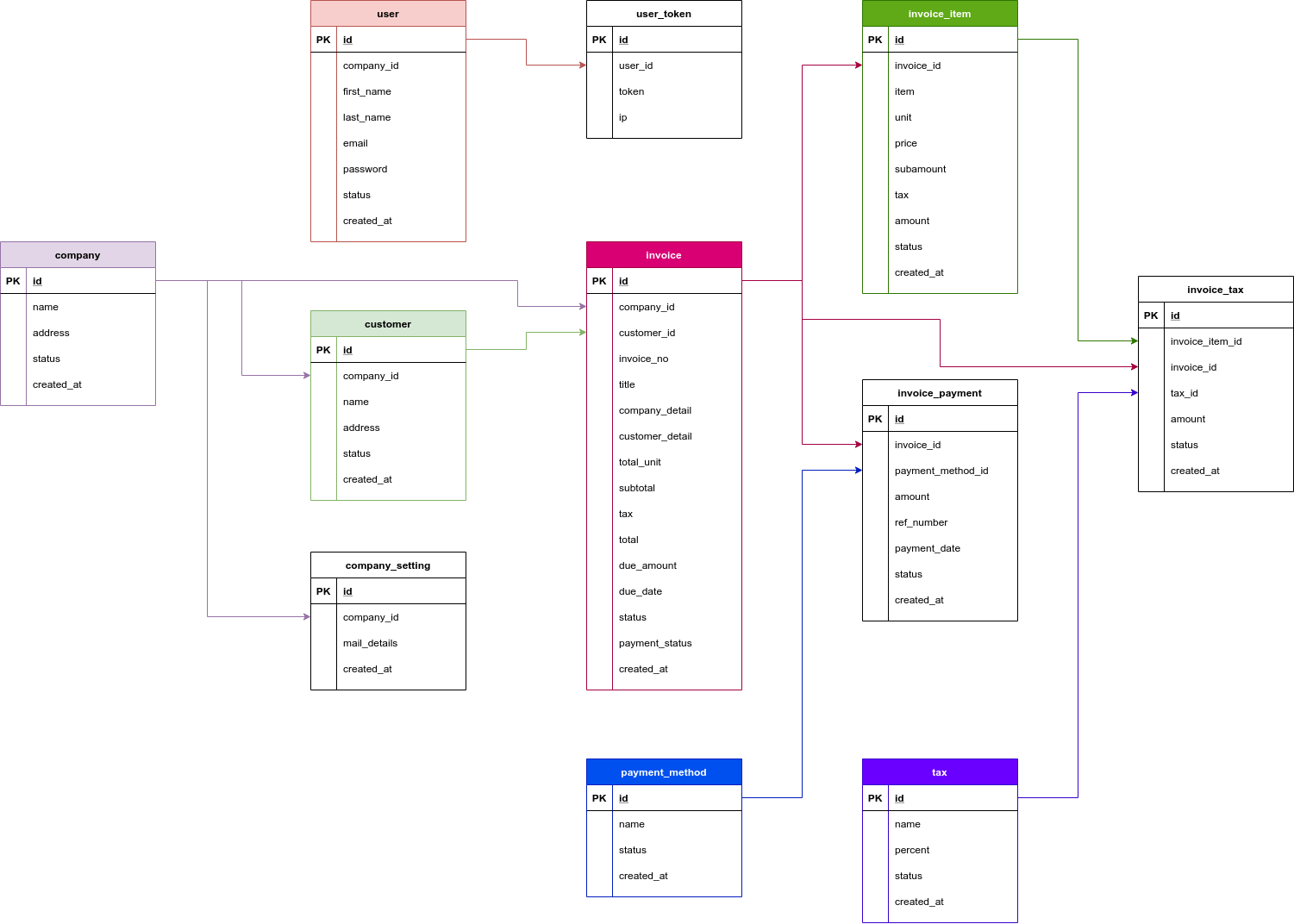
# Database Design
# Snapshots
# Login
# Profile
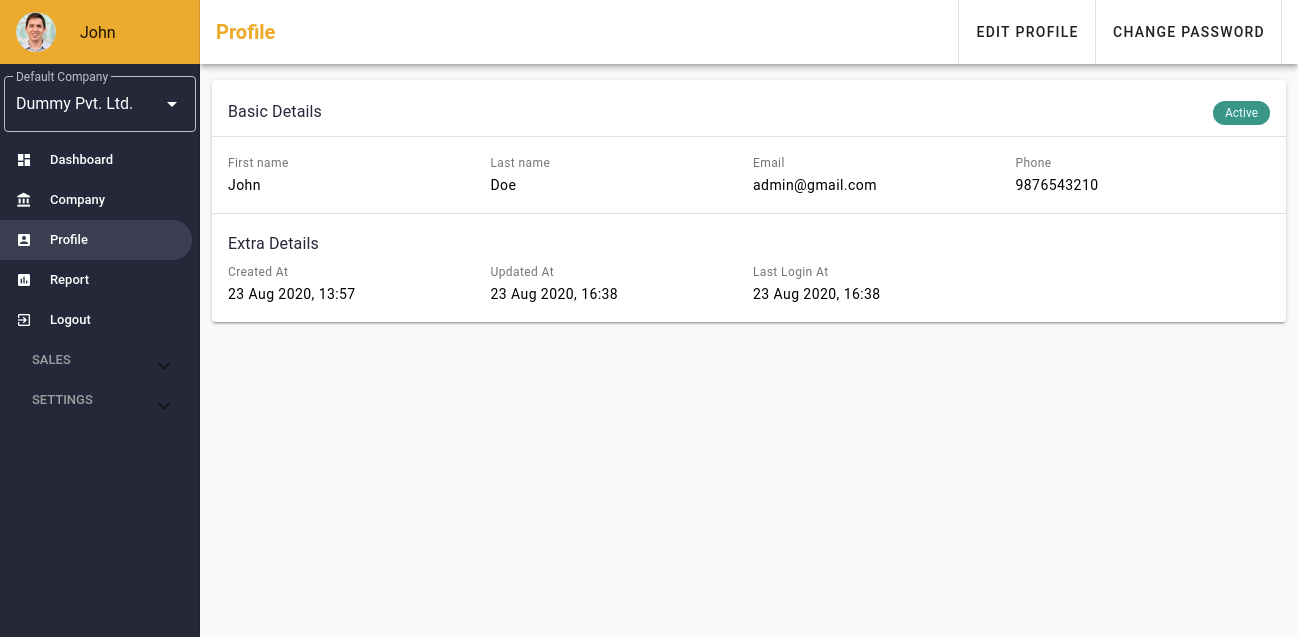
After login, from the left top Default Company dropdown, user can switch to a different company
# Dashboard
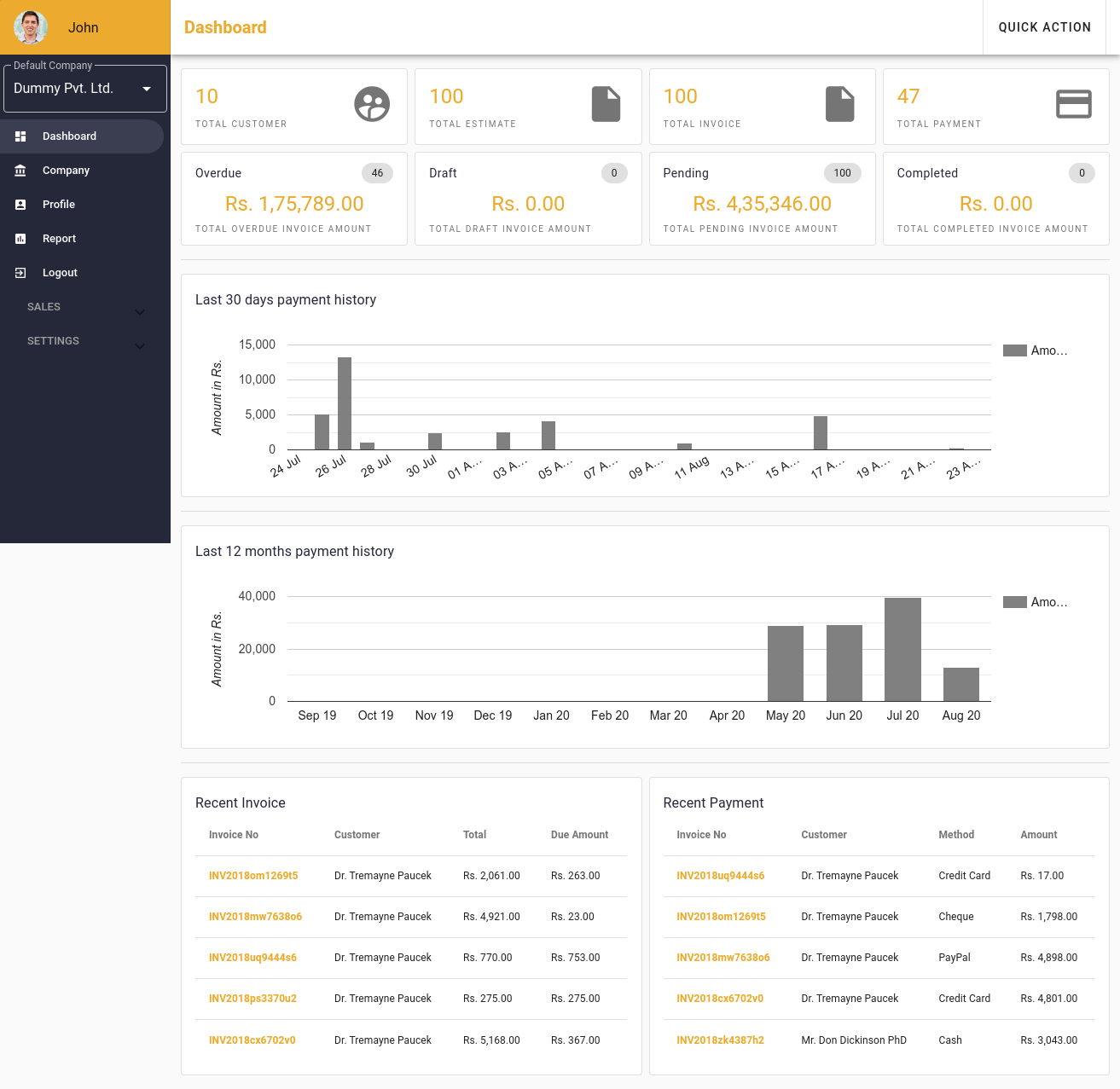
All the top-level detail can be found on the dashboard. A very beautiful and clean dashboard with the card, bar chart, and latest invoice list.
# Customer List
# Invoice
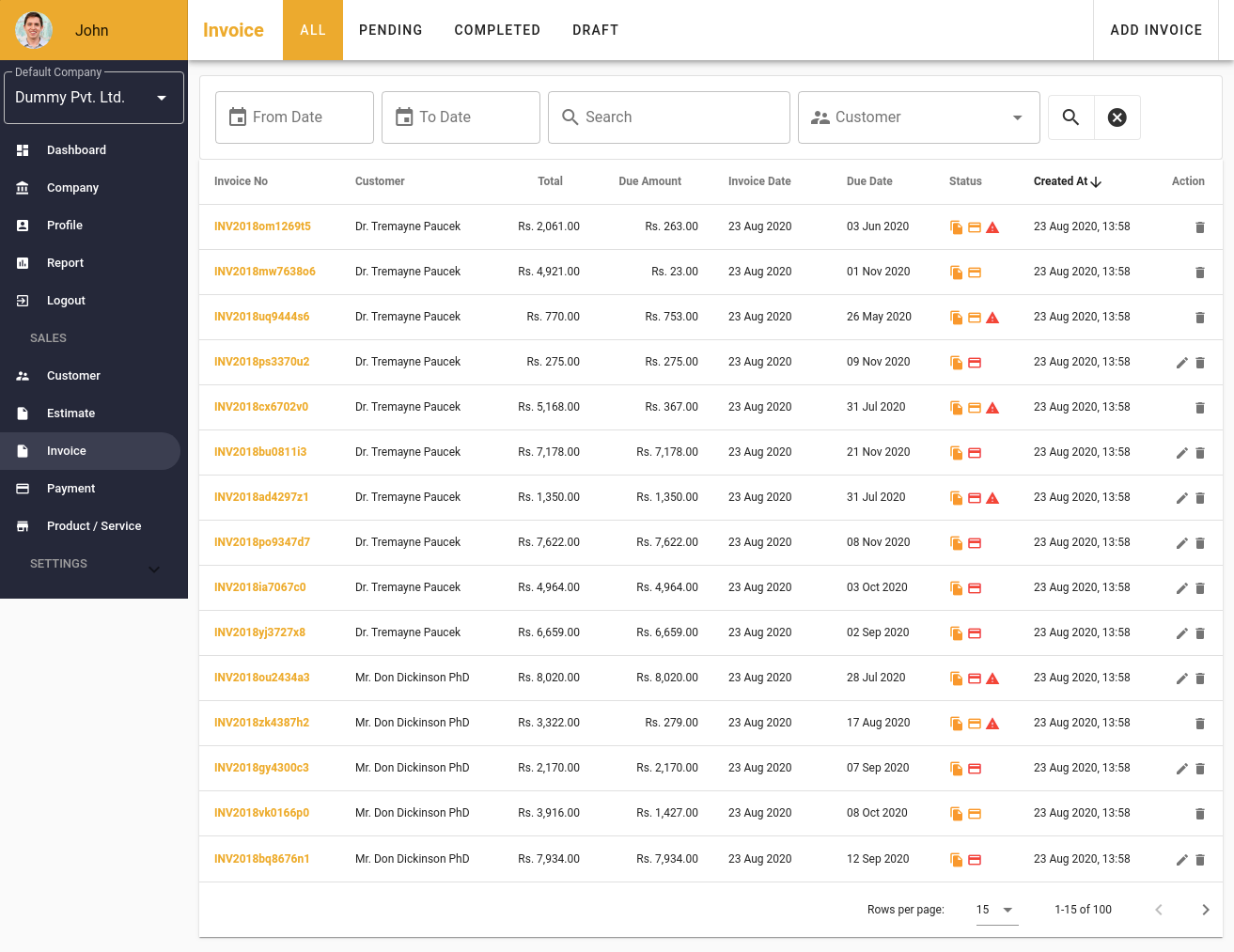
# Invoice List
# Invoice Detail
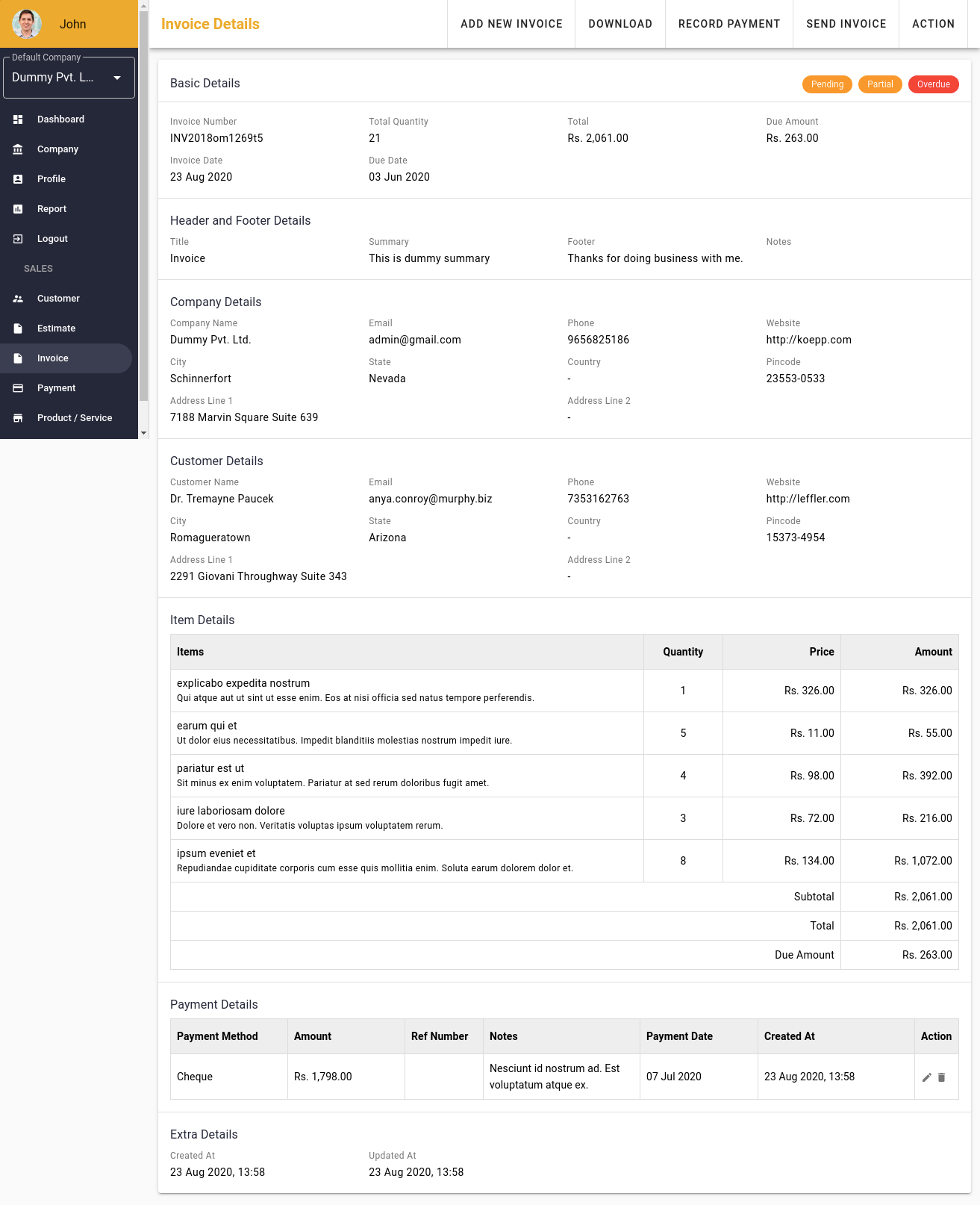
All the detail for an invoice is placed very well. All the subitem and payment related detail are also present on this page.
# Invoice Edit
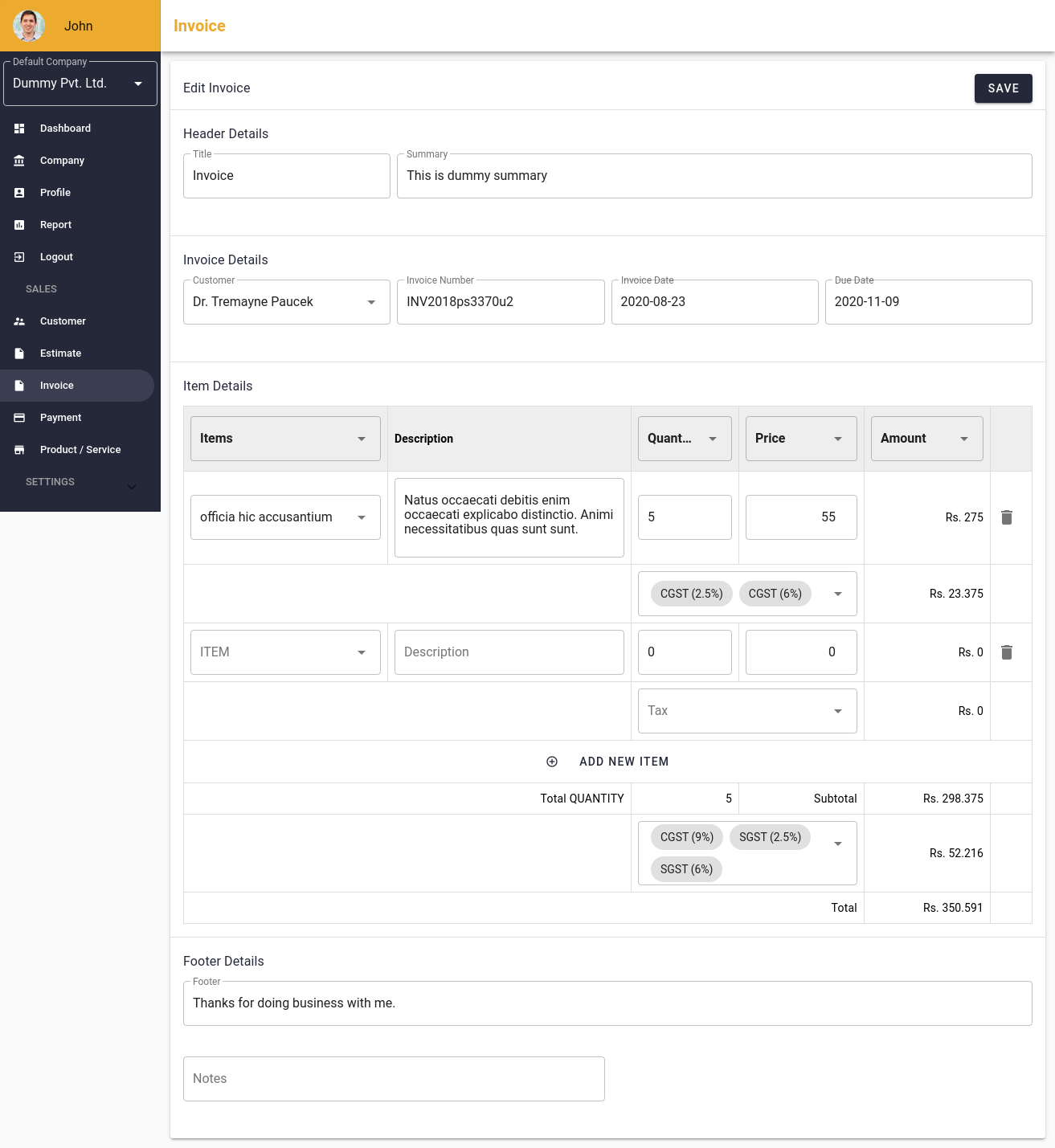
As you can see, adding or editing an invoice is very user friendly. here user can add multiple taxes in an item, or in the whole subtotal amount. taxes can be defined in the setting tab.
# Report
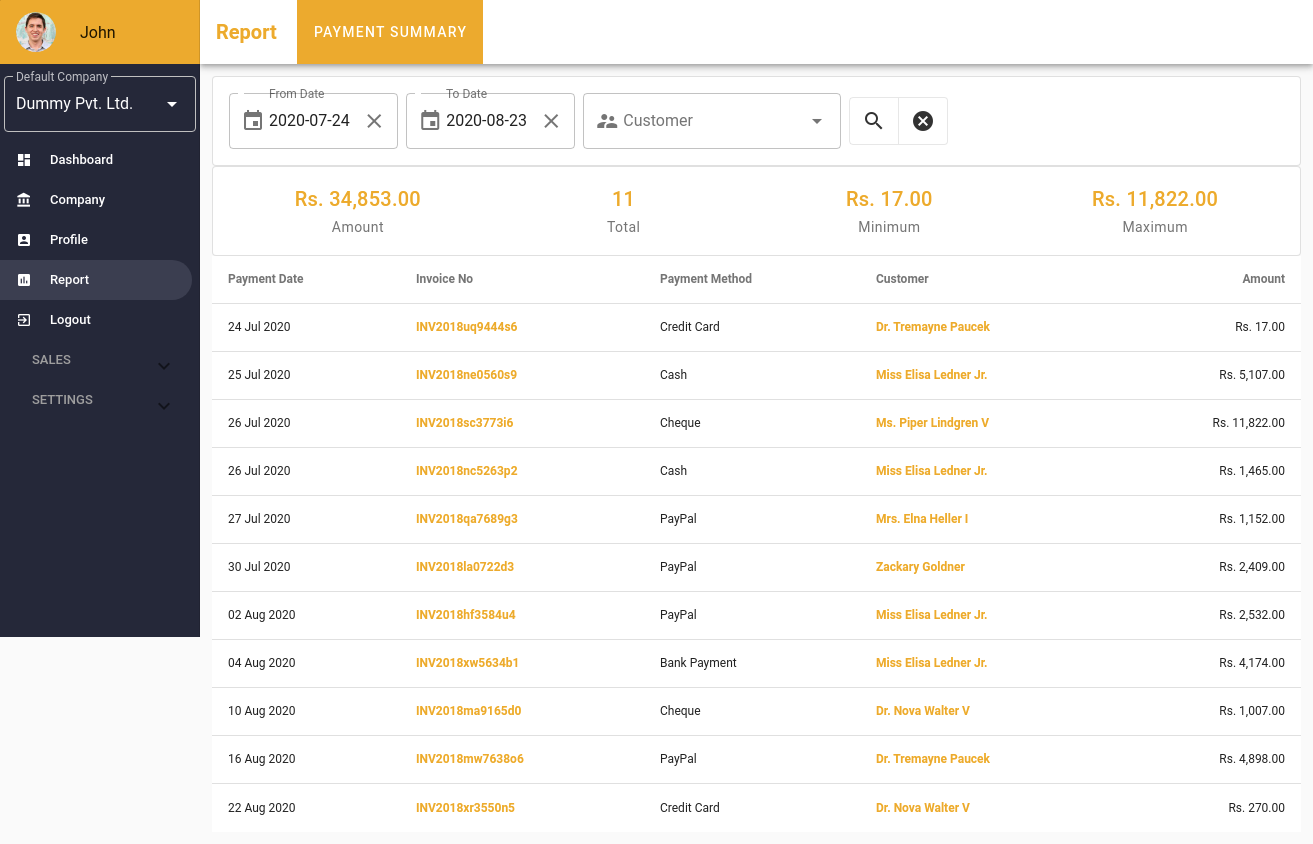
A payment history report page is there where you can filter based on date and customer.
# Setting
# Setting Invoice
# Setting Tax
# Setting Payment Method